Transform your MP3 Music into stunning MP4 Videos
Upload your audio track, select a reactive sound wave visualizer, add custom album cover art & create professional social-ready videos in seconds.
Drag & Drop your MP3 audio here
or click to browse audio files from your device
Your audio stays private. Rendering happens locally in your browser.
Choose a curated Design Preset
Click any template preset to immediately load it into the converter studio.
Cyberpunk Neon Wave
Vibrant violet-cyan spectrum bars for Synthwave, Electronic & Gaming tracks.
Lo-Fi Sunset Glow
Gentle coral waves with warm gradient tones for Chillout and Beats.
Podcast & Audiogram
Clean circular sound ring with artist typography for speech and podcasts.
Deep Space Quantum
High-energy particle starburst synchronized with sub-bass frequencies.
Convert MP3 Files to MP4 Videos
An MP3 to MP4 Converter transforms an MPEG-1 Audio Layer III (MP3) file into an MPEG-4 container. The converter reads the compressed audio stream, generates a video channel with static or animated visual elements, and multiplexes both tracks into an MP4 file. Tools like FFmpeg, HandBrake, and VLC execute this process in 3 stages: audio decoding, video frame rendering, and MP4 container muxing.
MP3 Audio Input
The input MP3 file contains compressed audio data encoded at bitrates ranging from 128 to 320 kbps.
Codec & Render Engine
The decoder unpacks MP3 audio into raw PCM streams. The visual engine generates synchronized H.264 video frames from the audio spectrum.
MP4 Video Container
The output MPEG-4 container stores combined video and audio streams ready for streaming and playback on any platform.
Create a Video from Audio Files
An MP3 to MP4 converter creates a full-fledged video from a standalone audio file by attaching a visual layer. The visual layer consists of 3 options: a static cover image, an animated waveform visualizer, or a combined cover-and-visualizer composition. Audio software extracts frequency data, and video tools pack audio and visuals into a playable MPEG-4 container.
Real-Time Frequency Analysis
Extracts 64 distinct frequency bands with Fast Fourier Transform (FFT).
Zero-Compression Loss
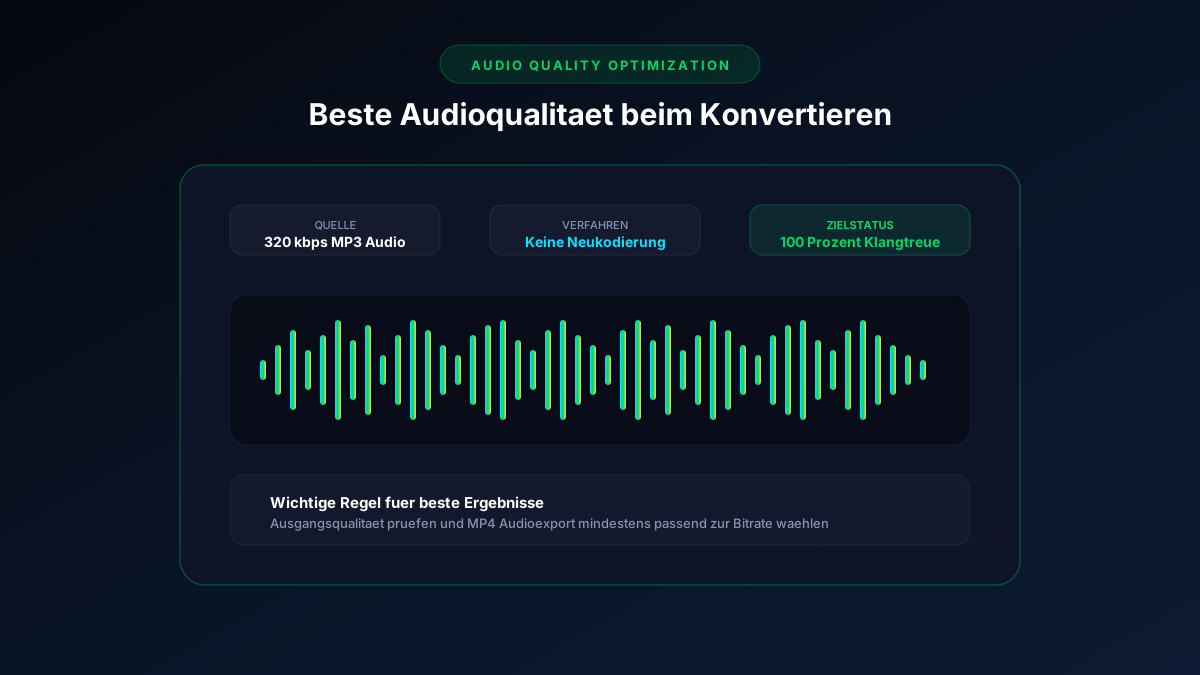
Preserves pristine 320 kbps master audio throughout video encoding.
Instant Browser Generation
No upload to remote cloud servers required—100% private and immediate.
Design MP4 Videos with Images & Backgrounds
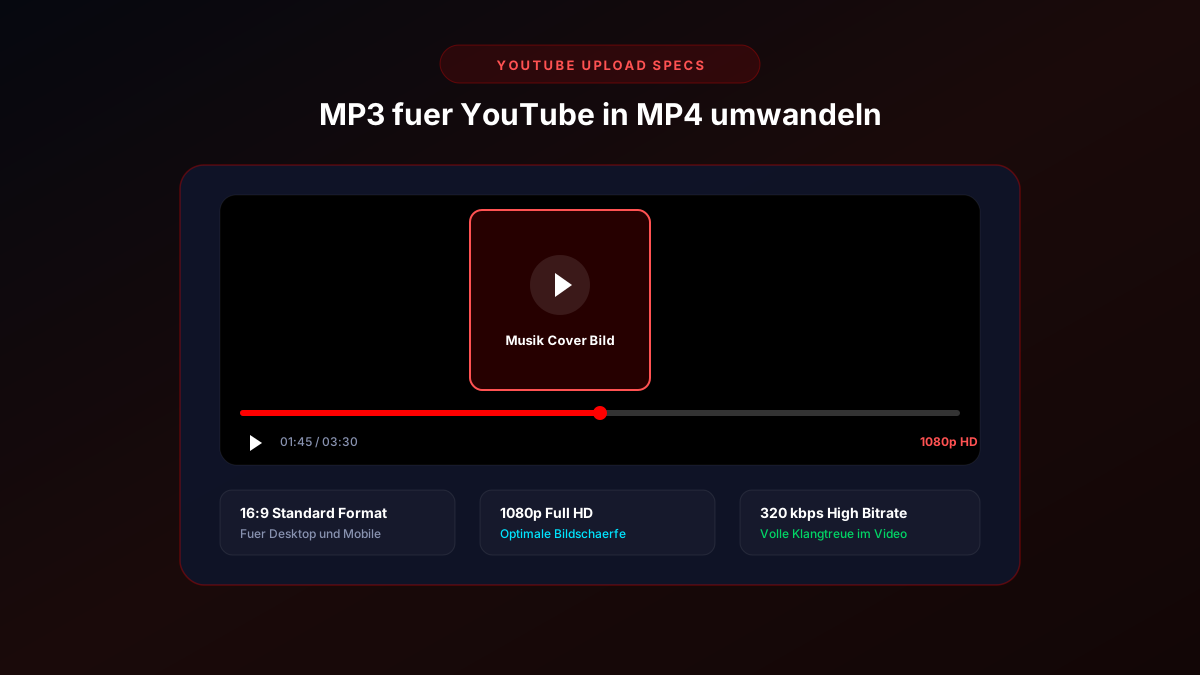
Every MP4 video requires a visual layer. The MP3 to MP4 converter provides 3 visual background styling options: custom album cover art, dynamic color gradients, or layered cover art combined with reactive audio visualizers.
High-Res Album Artwork
Upload square, portrait, or landscape album covers with automatic aspect-ratio framing.
Preserve Audio Quality During Conversion
Audio quality is 100% preserved during MP3 to MP4 conversion when the audio stream is multiplexed without re-compression into the MPEG-4 container. An input 320 kbps MP3 yields an immaculate 320 kbps AAC stream in the MP4 video container.
Delivers crystal-clear highs and deep sub-bass frequencies.
MP3 vs. MP4: The Differences Explained Simply
MP3 (MPEG-1 Audio Layer III) is an audio-only format developed by the Fraunhofer Society and MPEG. MP4 (MPEG-4 Part 14) is a multimedia container that holds video, audio, subtitles, and metadata in a single file.